Build a working ComfyUI setup without guessing.
AI Pixel Guide turns the most common ComfyUI setup problems into clear routes: install the app, place model files correctly, generate a first image, then repair missing nodes and memory errors.
Start with the stable path
These are the pages most beginners need before importing advanced workflows.
English guide collection
Start with the practical guides that unblock a new ComfyUI setup, then move into models, plugins, workflows, and error fixes.
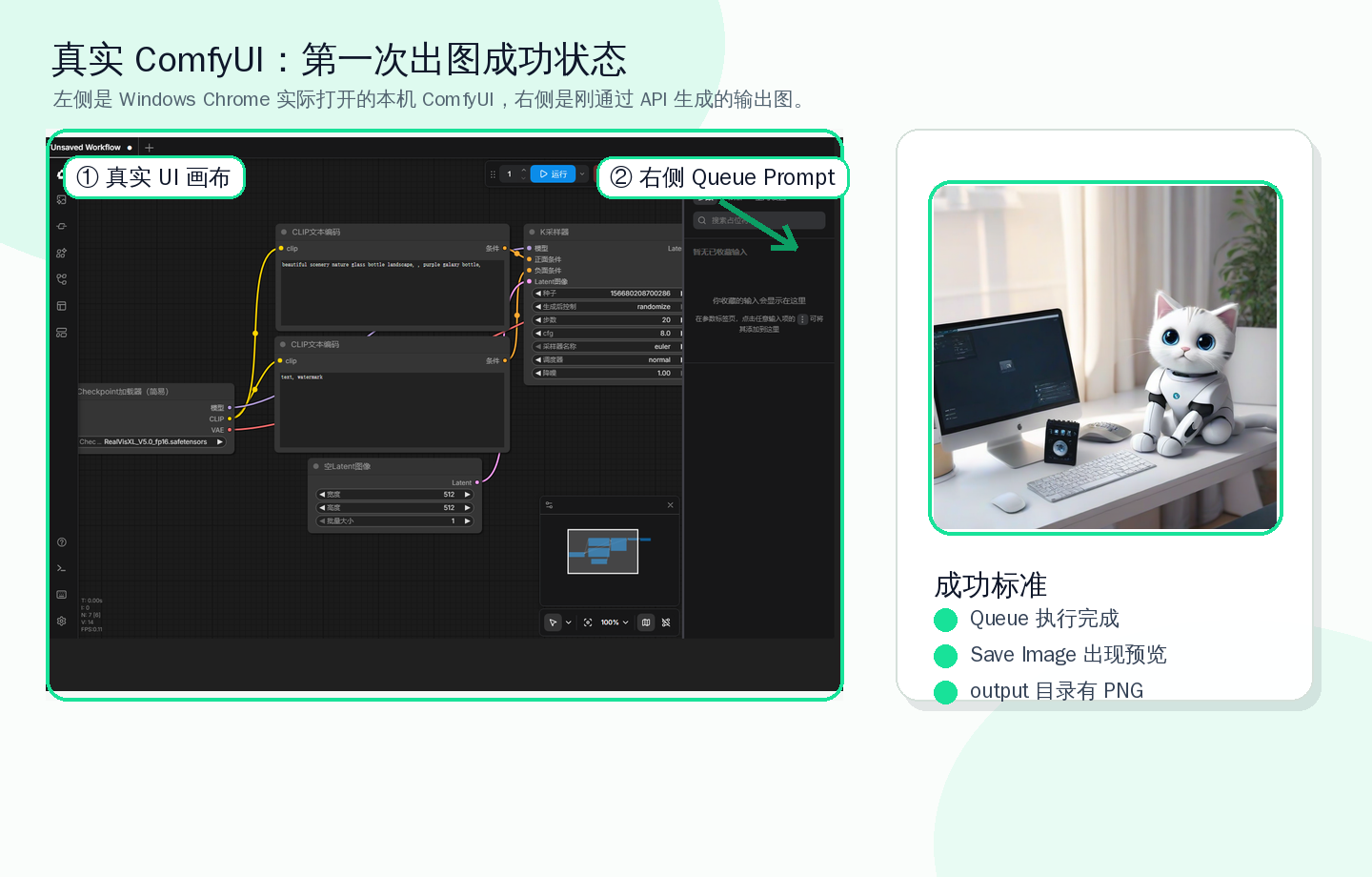
Generate Your First Image in ComfyUI
Run a minimal ComfyUI text-to-image workflow: choose a checkpoint, write a prompt, set safe image size, click Queue Prompt, and confirm the Save Image result.
BeginnerComfyUI Windows Install Guide
A beginner-friendly ComfyUI Windows installation guide covering the portable package, first launch, model folders, WebUI access, and common startup errors.
BeginnerComfyUI Model File Paths
A practical map of where to put ComfyUI checkpoints, LoRA, VAE, ControlNet, upscale models, CLIP Vision files, and other model assets.
BeginnerInstall ComfyUI Manager
Install ComfyUI Manager for searching, installing, updating, and repairing custom nodes, including Git checks and common installation failure fixes.
BeginnerWhat Is LoRA in ComfyUI?
Understand what LoRA does in ComfyUI, where to place LoRA files, how trigger words and weights work, and why base-model compatibility matters.
BeginnerFix Missing Nodes in ComfyUI
Resolve missing nodes after importing a ComfyUI workflow by using Manager, matching node package names, installing dependencies, and restarting safely.